


Weise Farms Wagyu Beef Marinara Recipe
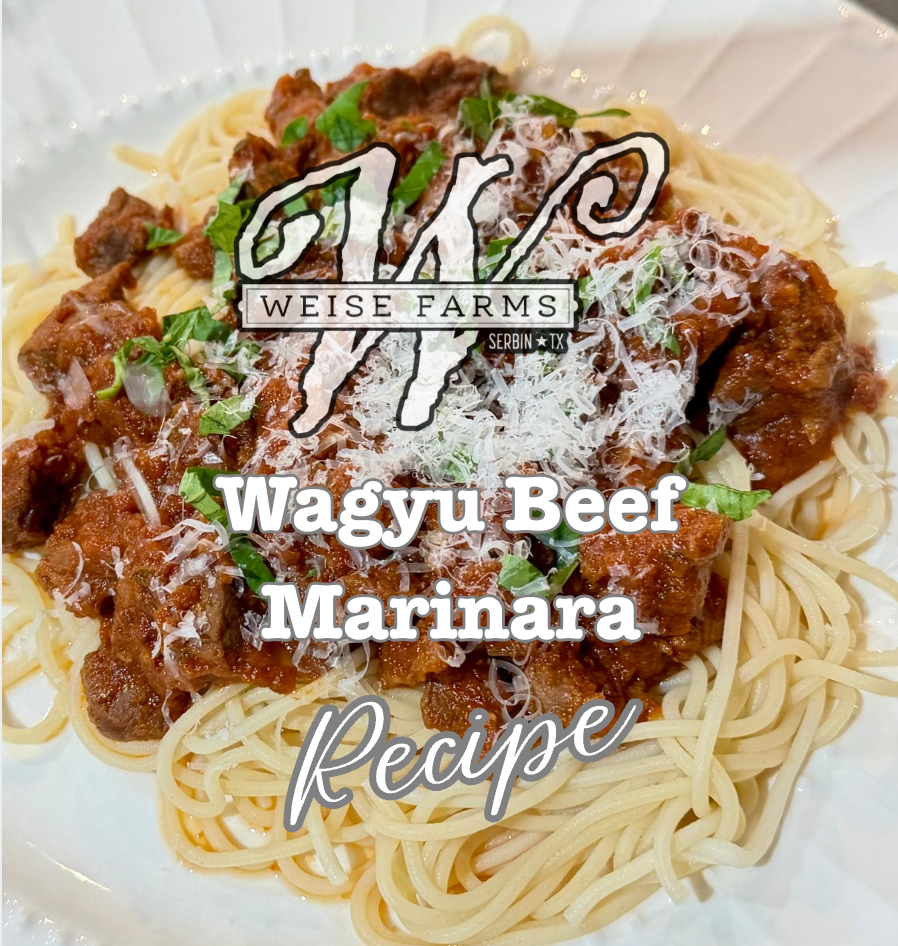
If you’re looking to elevate classic comfort food into a rich, restaurant-quality meal right at home, this Wagyu Beef Marinara recipe is the answer. Succulent Wagyu stew meat is browned to perfection, bringing out its signature rich marbling, and then slow-simmered in a savory tomato sauce until tender. With subtle notes of sweet brown sugar and tangy balsamic vinegar, this dish creates a luscious, deeply flavorful sauce that makes any dinner feel extra special.
Ingredients
2 lbs Wagyu stew meat
1 tsp kosher salt
½ tsp black pepper
¼ can tomato paste
24 oz jarred marinara
¼ cup brown sugar
1 tbsp balsamic vinegar
¼ cup fresh basil, slivered
Grated Parmesan cheese (for garnish)
Directions
Brown the Wagyu: Season the Wagyu stew meat with salt and pepper. Brown the beef in several batches, placing it in a single layer to ensure proper browning on each side. Repeat with the remaining meat, then add all the browned meat back to the pan or into a crockpot.
Simmer the Sauce: Stir in the tomato paste and jarred marinara sauce. Lower the heat to maintain a low simmer. Cover the pan and simmer for 2 hours, stirring occasionally and adjusting the heat as needed to keep a soft simmer going until the meat is melt-in-your-mouth tender. Using a crockpot allows it to be set to low all day.
Finish with Flavor: Once the meat is tender, stir in the brown sugar and balsamic vinegar.
Serve & Garnish: Spoon the rich meat sauce over your favorite cooked pasta. Garnish with fresh slivered basil and a generous sprinkling of grated Parmesan cheese.
This slow-cooked sauce is absolute bliss—the incredible tenderness of the Wagyu melted into the rich, savory sauce creates a meal that is undeniably delicious and comforting down to the very last bite. The secret to making this dish truly unforgettable starts with using premium, tender cut stew meat. Ready to recreate this at home?
And guess what? Our hand-cut Wagyu stew meat is regularly $14 per pound, but right now you can grab 2 pounds for just $20! Just click the button below, add 2 to your cart, and use code 2for20 at checkout to save.
To display the Widget on your site, open Blogs Products Upsell Settings Panel, then open the Dashboard & add Products to your Blog Posts. Within the Editor you will only see a preview of the Widget, the associated Products for this Post will display on your Live Site.
Start your 14 days Free Trial to activate products for more than one post.
icon above or open Settings panel.
Please click on the


Looks really good (and healthy!)!
Blessings
Dixie